
Joon Alternatives: 6 Kids Routine & Chore Apps Compared
Joon is the best-known chore app for kids with ADHD, and for a lot of families it works. It is also two separate apps, an approval step for every single task, and $12.99 a month. If that sounds like more than your family needs, here are six alternatives, what each does well, and where each falls short.
By Tanya Aulachynskaya · Updated 2026-10-07. Prices checked against each vendor's own pages.
Joon in short: what it does well, and where it gets heavy
Joon turns chores into "quests". Your child hatches a virtual pet called a Doter and looks after it with coins earned by finishing the quests you assign. It was built with clinical input for the ADHD profile, it is aimed at ages 6 to 12, and the game side is genuinely fun. Parents on Reddit and the App Store consistently report the same thing: a kid who ignored chores suddenly asks for them.
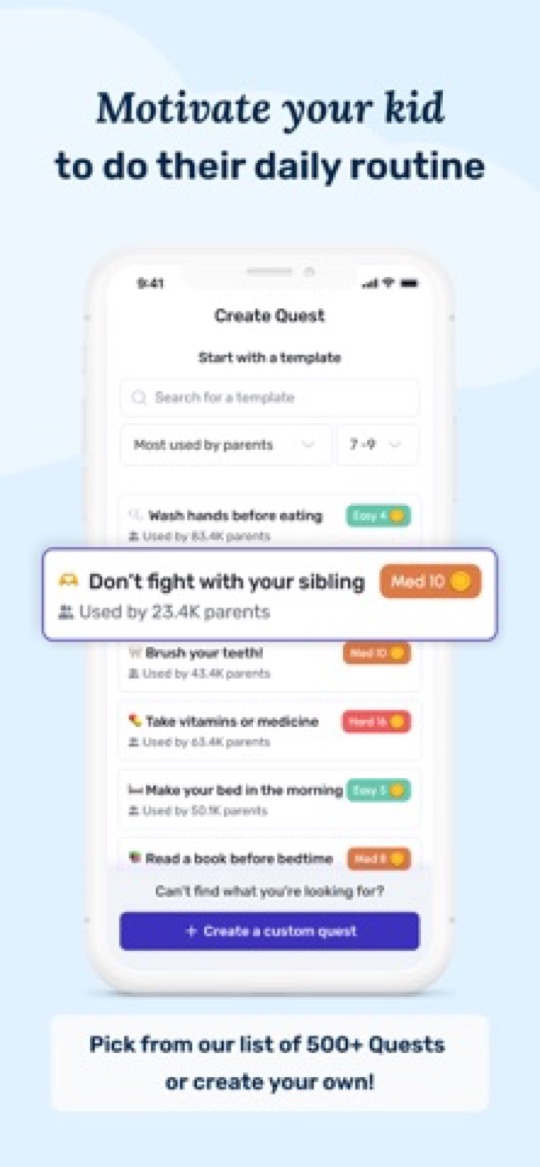
Where Joon shines
- Designed around ADHD: short, concrete quests with instant feedback instead of one long list.
- The pet game is well made and updated often. Kids want to open it.
- A free tier exists: up to 7 verified quests a day without a card on file.
- Responsive support, and reduced pricing for families who ask.
Where Joon gets complicated
- Two apps to install. Parents use Joon, kids use Joon Pet Game, linked by a login code. It works on one device, but it is built for two.
- Every quest needs your approval. You assign, your child marks it done, you review and approve, then the coins land. Skip a day of approvals and the loop stalls.
- The price. Premium is $12.99 a month or $89.99 a year, the most expensive app on this page by a wide margin. "Sticker shock" is the most common one-star review.
- Novelty wears off. Many parents describe strong enthusiasm that fades after four to eight weeks once the pet is levelled up.
- Narrow age band. Joon says itself that it is not optimised for teens, and Common Sense Media notes that younger kids can find the game world confusing to navigate.
What we found when we tested Joon ourselves
Most round-ups of this app are written from its store listing. We installed it and ran it. Three things stood out, and between them they are why this page exists.
It is more complicated than the job requires. Between the parent app, the separate Joon Pet Game for the child, the login code tying them together and an approval step on every quest, there is a lot of machinery around what is ultimately a list of things a child should do each day. Setting it up is not the hard part. Sustaining it is.
The game pulls attention away from the routine instead of reinforcing it. This was the finding that mattered most to us. The pet world is genuinely well made — but it is absorbing in its own right, and the link between "I brushed my teeth" and "my Doter levelled up" is loose enough that a child can end up far more engaged with the game than with the routine it is meant to serve. If what you want is a child who runs their own morning, that is a real risk rather than a theoretical one.
Our rating, as parents“We would not hand it to our own child.”
The onboarding pushes hard toward the subscription, and it leans on parental guilt to do it. The flow works by foregrounding how much your child might be struggling and what you could be doing about it. It is effective, and we suspect it is part of why Joon converts as well as it does — but it left us uncomfortable, and feeling got-at during setup is a poor start to something you intend to open every day.
Why 2 out of 10, when so many parents rate it highly? Because that score is ours, not a verdict. Joon holds about 4.7 stars across more than 6,500 App Store ratings, so a great many parents plainly disagree, and if the pet is the only thing that gets your child moving then none of the above outweighs that. But it is worth knowing that the enthusiasm in most comparisons of this app comes from reading its marketing, and this does not.
None of that makes Joon a bad app. It makes it a specific one: a game with a chore list attached, for a 6 to 12 year old, run by a parent who is happy to be in the loop daily. If you want the routine without the game economy, or you have a 5 year old and a 14 year old in the same house, keep reading.
The alternatives at a glance
| App | Best for | How kids are motivated | Price | Ages |
|---|---|---|---|---|
| Starday | Daily routines that run without you | Stars, a rewards shop you stock, streaks and mood tracking | Free for the kid’s side. Pro $4.99/mo or $29.99/yr for the whole family, 7-day trial | 4 to 16 |
| Joon | ADHD kids who need a game to get going | Coins to feed and level up a virtual pet | Free (7 verified quests/day). Premium $12.99/mo or $89.99/yr | 6 to 12 |
| S’moresUp | A free family organiser with chores built in | Points in a wallet, rewards you define | Core plan free. Premium $9.99/mo or $99.99/yr, 45-day trial | Any |
| Homey | Chores tied to allowance | Money per job, paid to a real bank account | Free for 3 users. Premium $4.99/mo or $49.99/yr | Roughly 6+ |
| Greenlight | Teens learning to manage money | Allowance on a debit card | From $5.99/mo (Core) to $19.98/mo, no free tier | Roughly 8+ |
| BusyKid | Weekly allowance on a prepaid card | Chores paid out every week, save, share or invest | $48/yr for up to 5 cards | 5 to 17 |
| Cozi | One shared family calendar | None built in, it is a planner | Free with ads. Gold $39/yr | Parents |
1. Starday, the simple one
Starday is a kids routine calendar. You set the routine once, morning, daytime and evening, and your child gets a day view they can run themselves: check the quest, earn the stars, watch the progress ring fill. Stars go into a rewards shop that you stock with real things, an extra episode, a trip for ice cream, a later bedtime on Friday. One family code links every phone, tablet and computer, and there is no separate kids app: the parent side lives behind a passcode inside the same app.
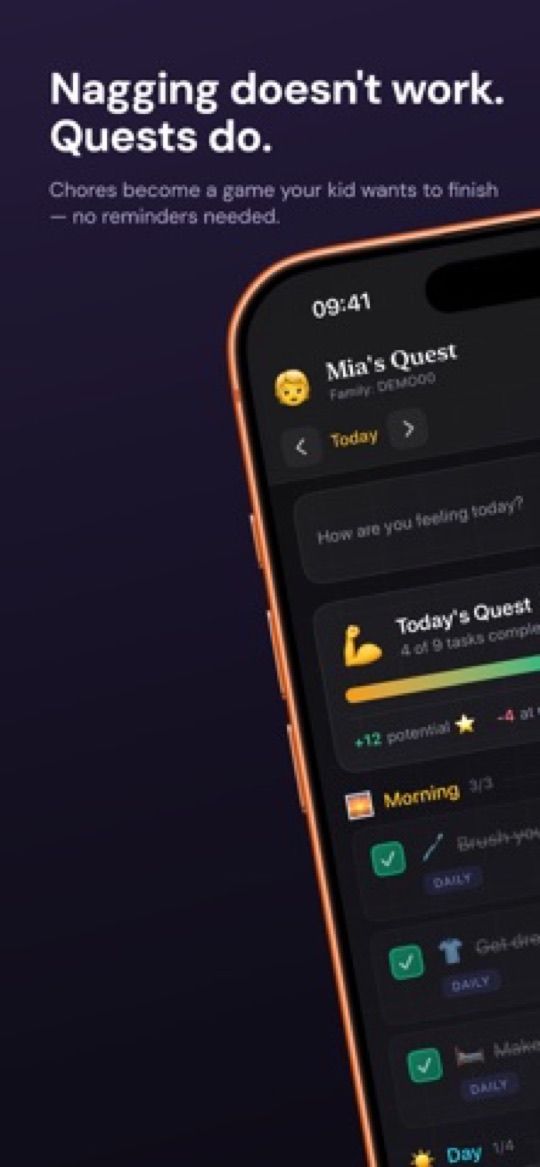
Why parents pick it over Joon
- No approval queue. A parent-created quest pays out its stars the moment the child checks it. Miss the deadline and a gentle penalty applies on its own. You are not the bottleneck.
- Works from 4 to 16. Age-based task packs, from a three-item hygiene list for preschoolers to a teen routine with homework, sport and screen limits. Add-on packs for music practice, language learning, vitamins, healthy eating and movement.
- Calendar, not just a chore list. Day, week, month and year views, so a child can see the dentist on Thursday and the dance class on Tuesday next to today’s routine. An activity heatmap shows the year filling up.
- Mood tracking. One tap a day, which over a month tells you more about how school is going than "fine" ever will.
- Priced for a family. Pro is $4.99 a month or $29.99 a year and covers every child and every device. That is a third of Joon’s annual price.
- Everywhere. iPhone, Android and any web browser, with the same family code.
Where it is not for you
- There is no game world. If your child only moves for a pet to feed, Joon’s Doters will pull harder.
- Creating quests and stocking the shop needs Pro after the 7-day trial. Everything the child sees stays free.
- No money features. Stars are stars, and rewards are whatever you write in the shop, not an allowance transfer.
2. S’moresUp, the free family organiser
S’moresUp is a household organiser that happens to be good at chores: assign, schedule, rotate between siblings, remind, and pay out points to a child’s wallet that they spend on rewards you define. A family calendar, a shared hub and a playdate planner sit alongside. The core plan is free for unlimited family members and devices, with a 45-day taste of Premium up front.
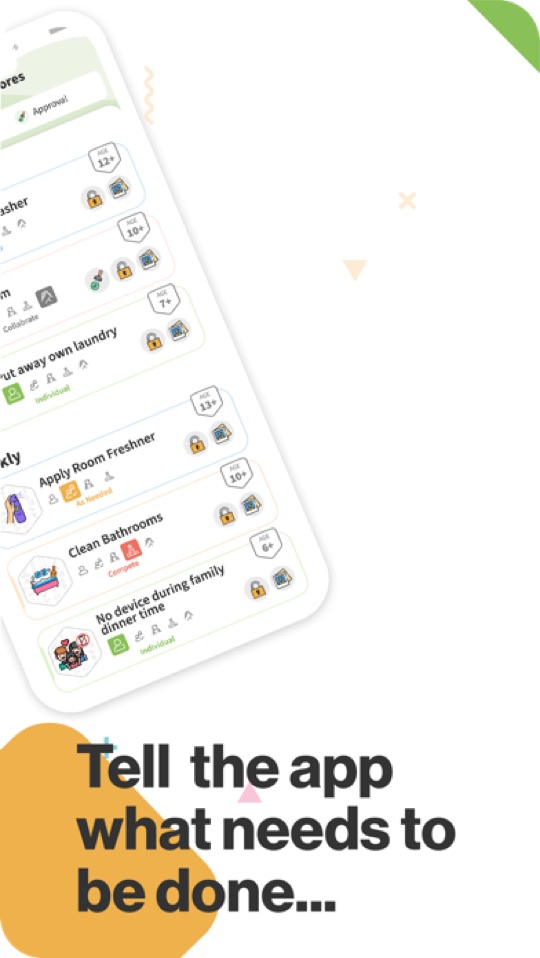
Good
- The free plan is genuinely usable: chores, reminders, wallet and basic rewards for the whole family, forever.
- Age tags on the chore library, so you are not guessing whether "load the dishwasher" is a 7+ or a 12+ job.
- iOS and Android, and it has been around since 2017, so it is not going anywhere.
Not so good
- Premium is now $9.99 a month or $99.99 a year, more than Joon’s annual price, and that is where approvals, photo proof, rotation and analytics live.
- It is built for the parent. There is no kid-facing game or theme, and younger children have little reason to open it themselves.
- A lot of surface area: chores, calendar, campfire hub, goals, playdates. Setup is quick, but it is not a single-purpose app.
3. Homey, chores for allowance
Homey splits jobs into "responsibilities" (expected, unpaid) and "jobs" (paid), lets kids attach photo proof, and can move real money from your bank account to your child’s. Chores can rotate between siblings and be broken into subtasks.
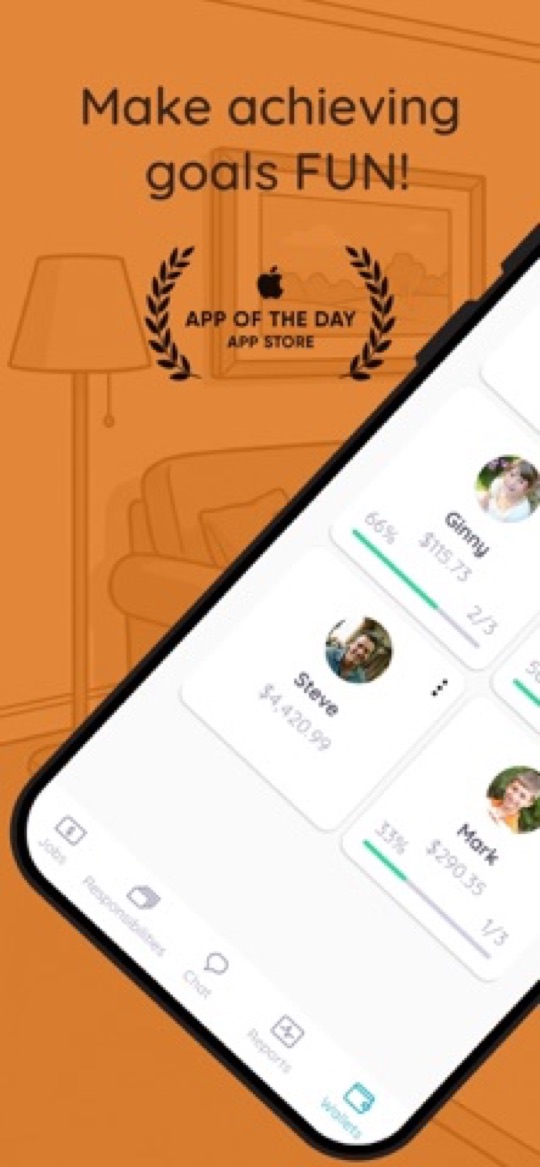
Good
- Free for up to three family members. Premium is $4.99 a month or $49.99 a year.
- Honest about the difference between "you help because you live here" and "you earn because you did extra".
- Real bank transfers for allowance, US banks only.
Not so good
- Photo proof and parent approval put you back in the loop, much like Joon.
- Money-first design has less to offer a 4 or 5 year old.
- The free tier stops at three users, so a two-parent, two-kid family pays.
4. Greenlight, the debit card with chores attached
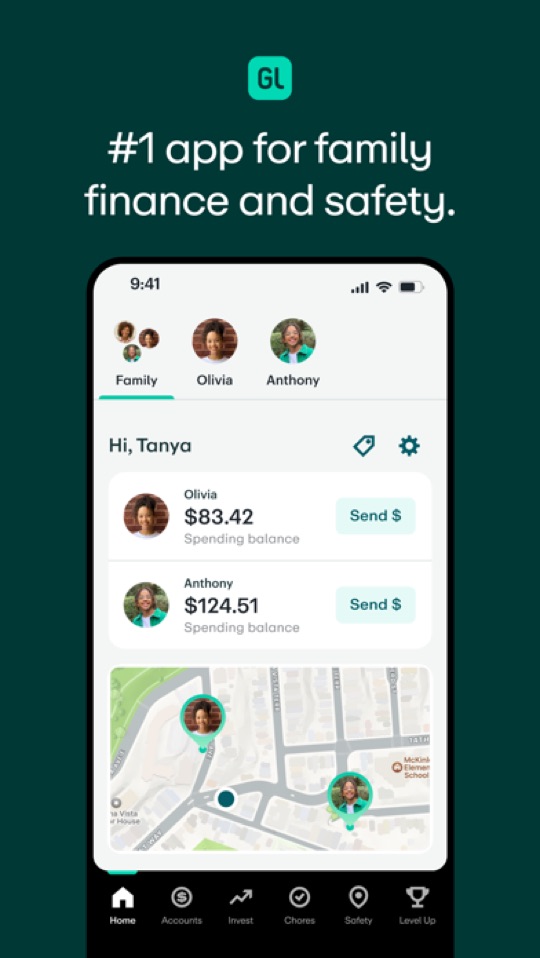
Greenlight is a kids’ debit card and banking app that happens to include a chore tracker. Chores can trigger allowance, kids spend from their own card, and parents see every transaction.
Good
- Excellent for teens learning to budget: savings goals, spending controls, investing on the higher tiers.
- One fee covers up to five kids.
Not so good
- No free tier. Plans run from $5.99 a month to $19.98 a month with no annual discount, whether or not the card gets used.
- The chore list is a side feature. Routines, streaks and daily habits are not what it is built for.
- Only makes sense once a child cares about money, so roughly 8 and up.
5. BusyKid, weekly payday on a prepaid card
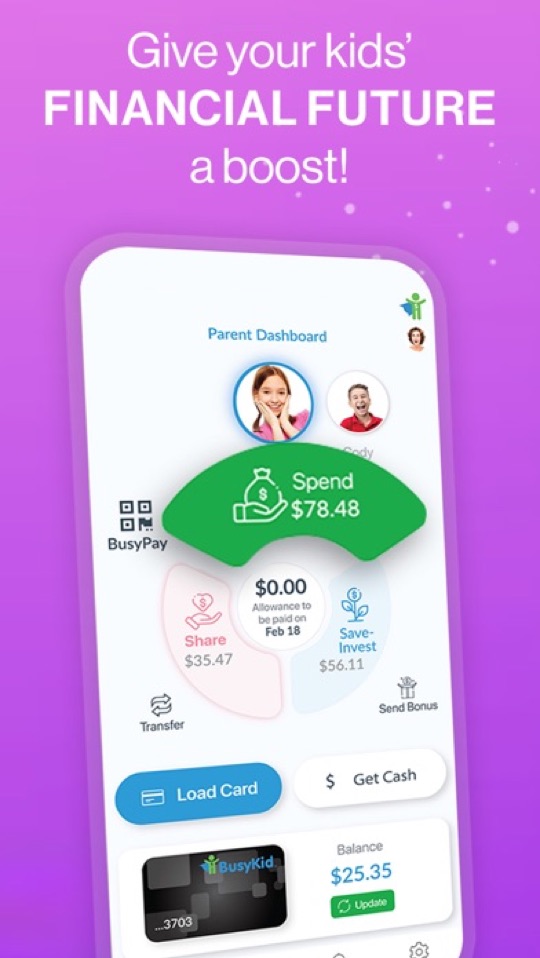
BusyKid connects a chore list to a weekly allowance paid onto a Visa prepaid card. Kids can save, spend, give to charity or buy fractional shares, all with parent approval.
Good
- $48 a year for the family, up to five cards included.
- The save, share, spend, invest split is a good money lesson.
Not so good
- Everything is denominated in dollars, which does nothing for a preschooler’s teeth-brushing routine.
- US-only card, and extra cards cost $7.99 a year each.
- Parents approve completed chores before payday, so it is another approval queue.
6. Cozi, when the problem is the calendar, not the chores
Cozi is the classic shared family calendar: colour-coded events for each person, to-do lists, a shopping list and meal planning. It is a parent’s tool rather than a child’s.

Good
- The best-known family calendar, easy for grandparents and co-parents to join.
- Free version covers the essentials.
Not so good
- Free comes with ads and the calendar is now limited to a 30-day window; Cozi Gold is $39 a year.
- No points, no rewards, nothing for a child to do. If chores are the issue you will need a second app.
How to choose
- Your child has ADHD and only a game gets them moving: Joon, and budget for the annual plan.
- You want a daily routine your child runs without you checking their work: Starday.
- You want a free household organiser with chores in it: S’moresUp on the core plan.
- Chores are how allowance gets earned: Homey for younger kids, BusyKid or Greenlight once a card makes sense.
- The house needs one calendar more than it needs a chore chart: Cozi, and add Starday for the kids’ side.
One thing worth doing whichever app you pick: write the routine down on paper first. Our free printable routine checklists by age are the same task packs that ship inside Starday, and a week on the fridge tells you quickly which tasks actually matter in your house.
Screenshots are each app’s own App Store listing images and belong to their publishers. OurHome, long the free recommendation in lists like this, was not included: as of September 2026 it is no longer on the App Store or Google Play and has not been updated since 2022.
Turn this checklist into quests
Paper charts die in a week. In Starday, every task on this list becomes a quest your child checks off on their own — earning stars they spend in a rewards shop you control. One family code syncs every device.


Parents ask
Is Joon worth the money?
If your child responds to the pet game and you will keep up with the daily approvals, many parents say yes. At $12.99 a month or $89.99 a year it is the most expensive app in this comparison, so try the free tier of 7 verified quests a day first and see whether the enthusiasm survives the first month.
Is there a free alternative to Joon?
S’moresUp’s core plan is free for unlimited family members and covers chores, reminders and basic rewards. Starday is free on the child’s side for good, with a 7-day trial of the parent features. Joon itself has a free tier limited to 7 verified quests a day. OurHome, the old free favourite, has disappeared from both app stores.
What is the simplest chore app for kids?
Starday: one app for the whole family, a passcode instead of a separate parent app, and no approval step. The child checks the quest, the stars arrive, and the rewards shop is whatever you wrote in it. Set the routine once and the day runs itself.
Which app works for a teenager?
Joon says it is not optimised for teens. Starday has a teen routine pack for ages 13 to 16 with homework, exercise, laundry and cooking tasks. If money is the motivator, Greenlight and BusyKid give a teen their own card.
Do I need two apps like with Joon?
Not with Starday, S’moresUp, Homey, Greenlight or BusyKid: each is one app where the parent side is protected by a passcode or PIN. Joon is the only one on this page that ships a separate kids app.
Free printable checklists
- Routine checklists for kids by age — the task packs that ship in Starday, as PDFs.